The lobby
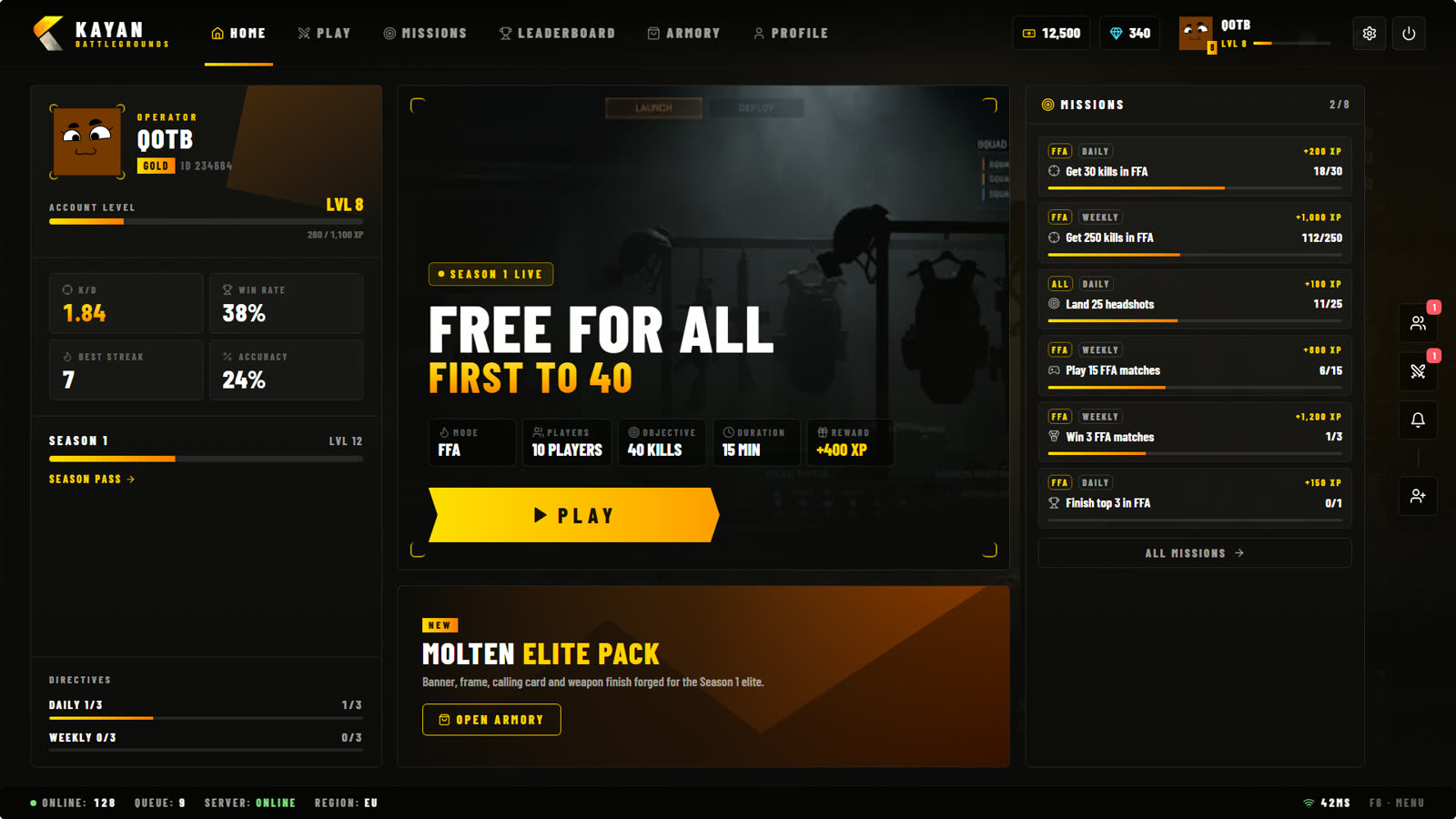
The lobby opens after the loading screen and every time a match ends. Everything starts here: picking a mode, your party, missions, your profile and the store.
Top bar
| Tab | What it is |
|---|---|
| Home | Your level, stats, season progress, today's missions and the featured mode. |
| Play | Pick a game mode, set it up and start. See Game modes. |
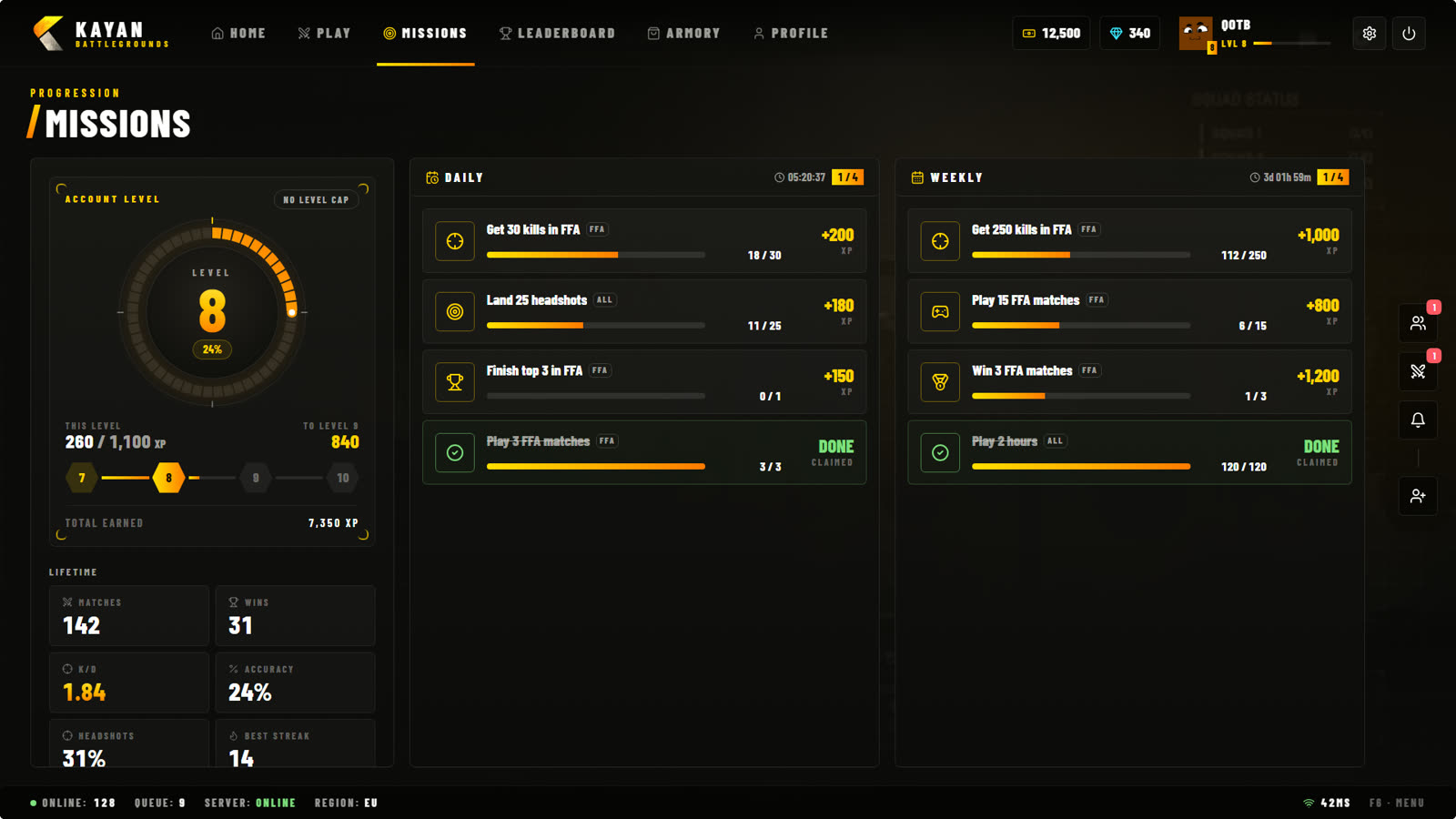
| Missions | Daily and weekly missions and how much time is left. See Level, XP & missions. |
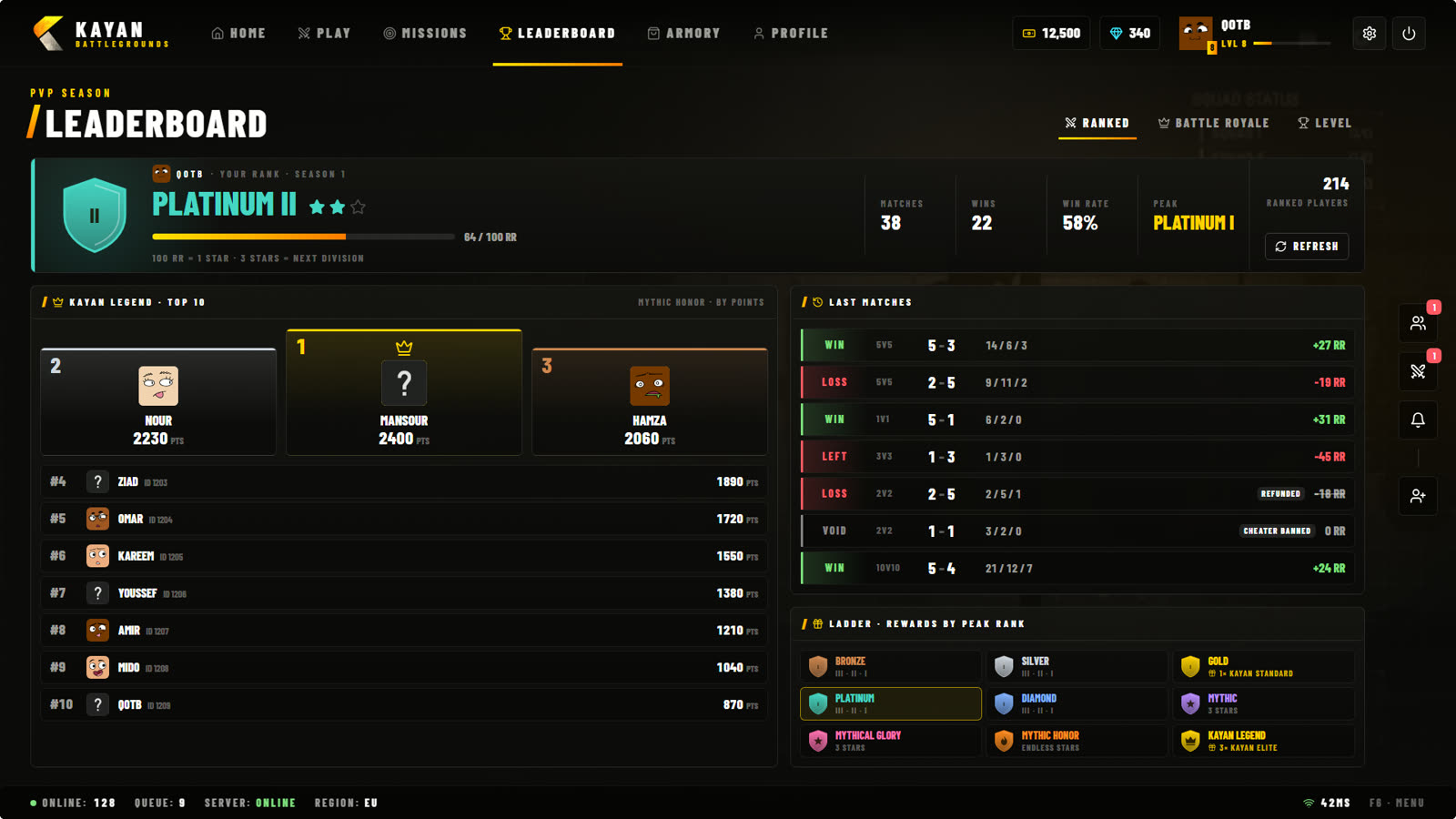
| Leaderboard | The best players in Ranked, Battle Royale, FFA and level. |
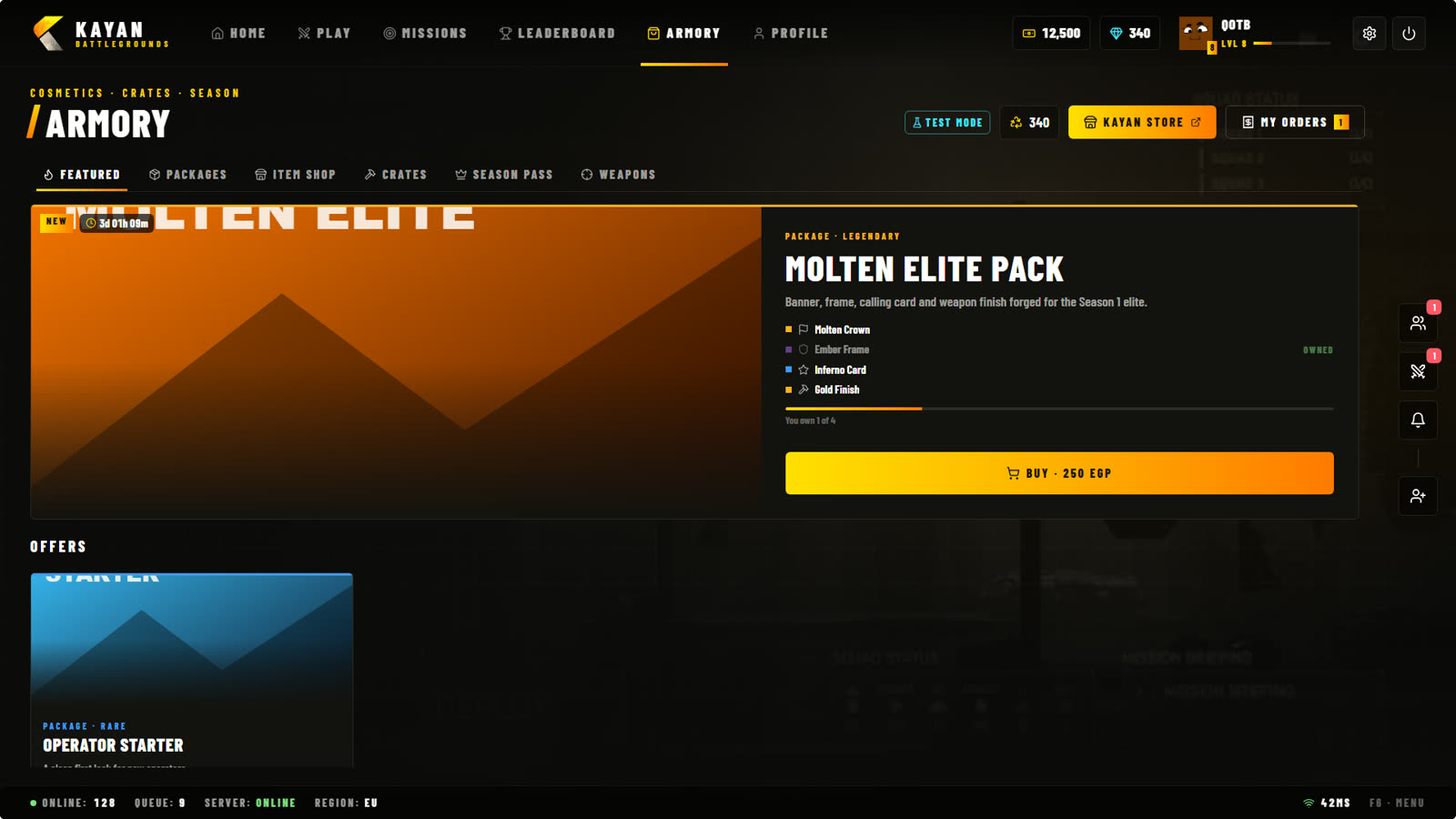
| Armory | Skins, cosmetics, crates and the Season Pass. |
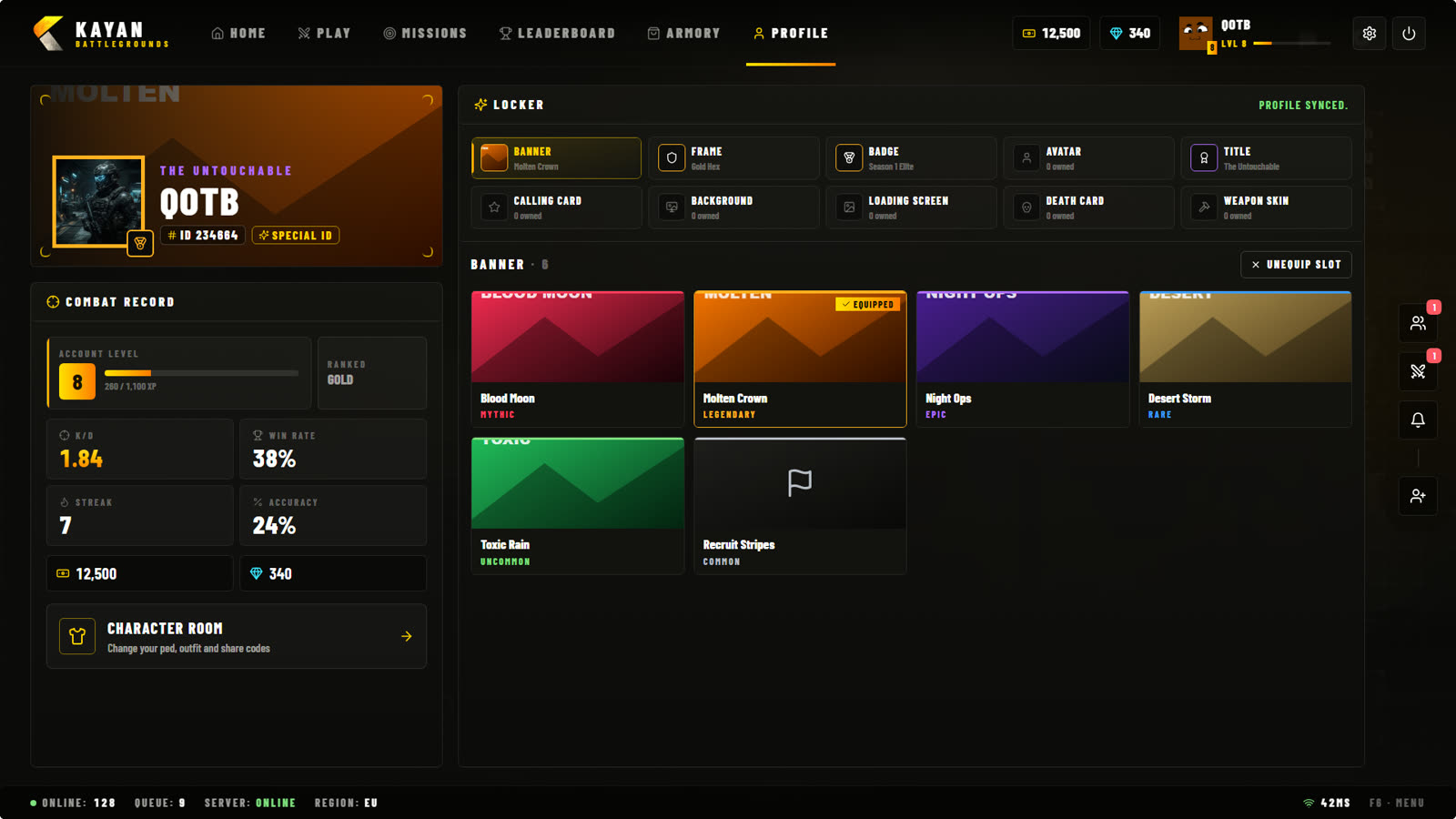
| Profile | Your banner, frame, card and lifetime stats. |
On the right: your money, your Premium, your name and level, Settings and Quit.
Play
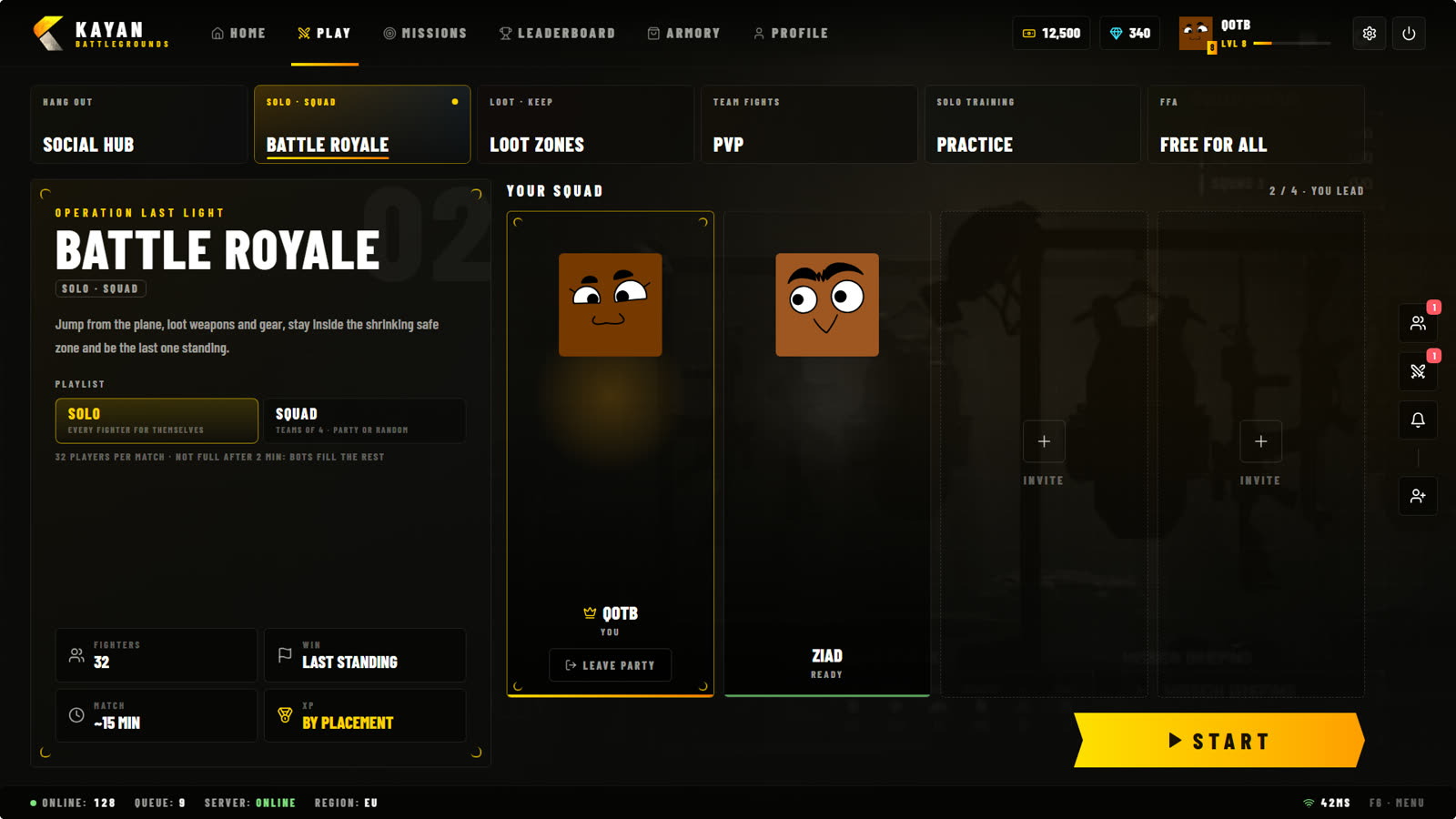
- Pick a mode at the top.
- Choose its options (solo or squad, team size, weapon class, difficulty...).
- Your party shows in the middle. Only the party leader can start.
- Press Start. While the server searches you can keep using the lobby.
Party & friends
The icons on the right side of the screen open your friends, party invites, notifications and add friend.
- A party holds up to 10 players. Each mode decides how many can play together (for example 4 in a Battle Royale squad).
- Add friends with their KAYAN ID (the number under your name).
- Party code: share a 6-character code so friends can join your party without being friends first. The code is hidden by default (safe for streams): press Show to see it for 8 seconds, or Copy to copy it without showing it.
Missions page
Leaderboard
Armory
Profile
Pause menu (Esc)
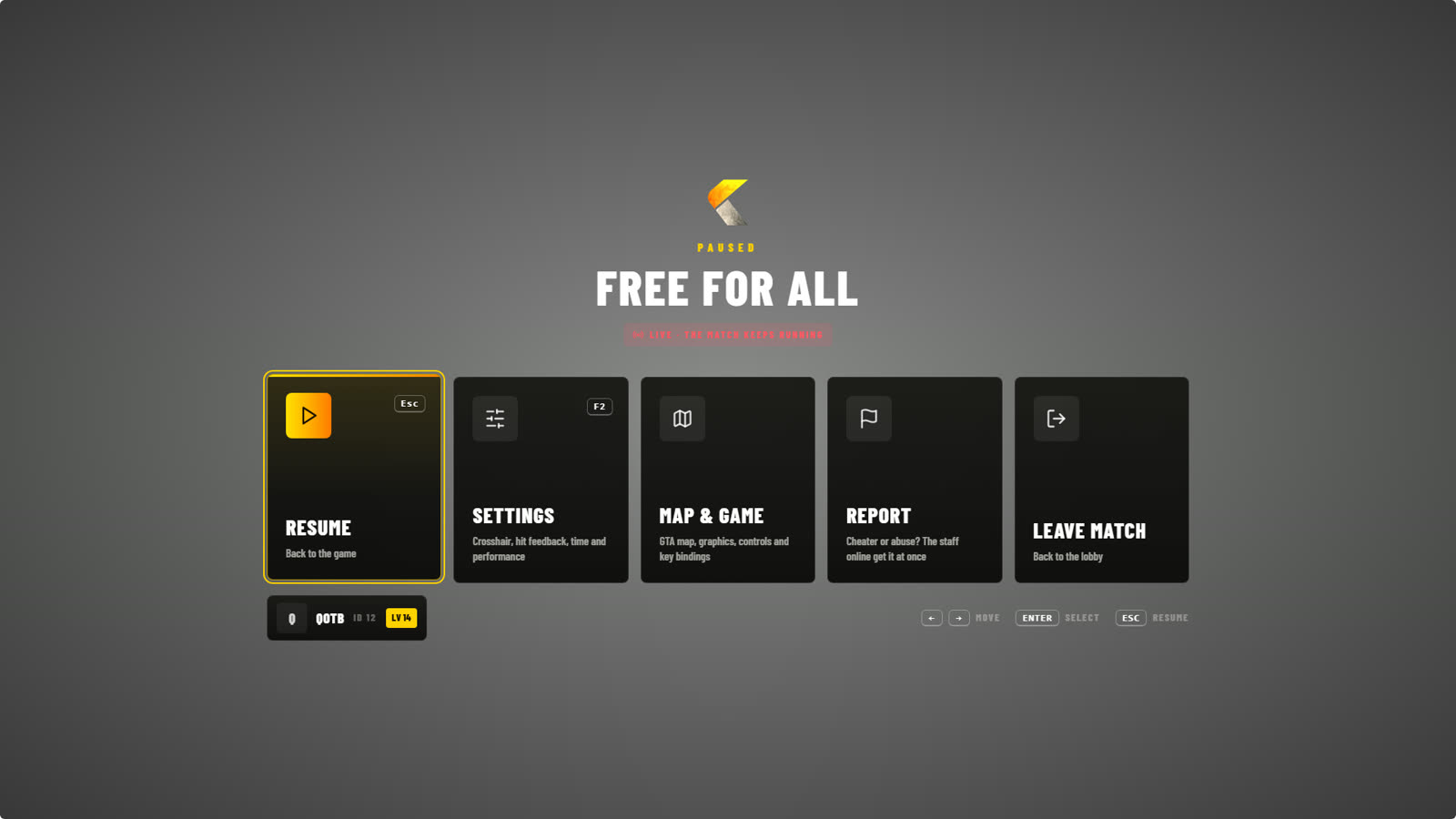
Inside a match Esc opens: Resume, Settings, Map & game, Report and Leave match. Report is how you report a cheater or a rule breaker — see Reports & appeals.
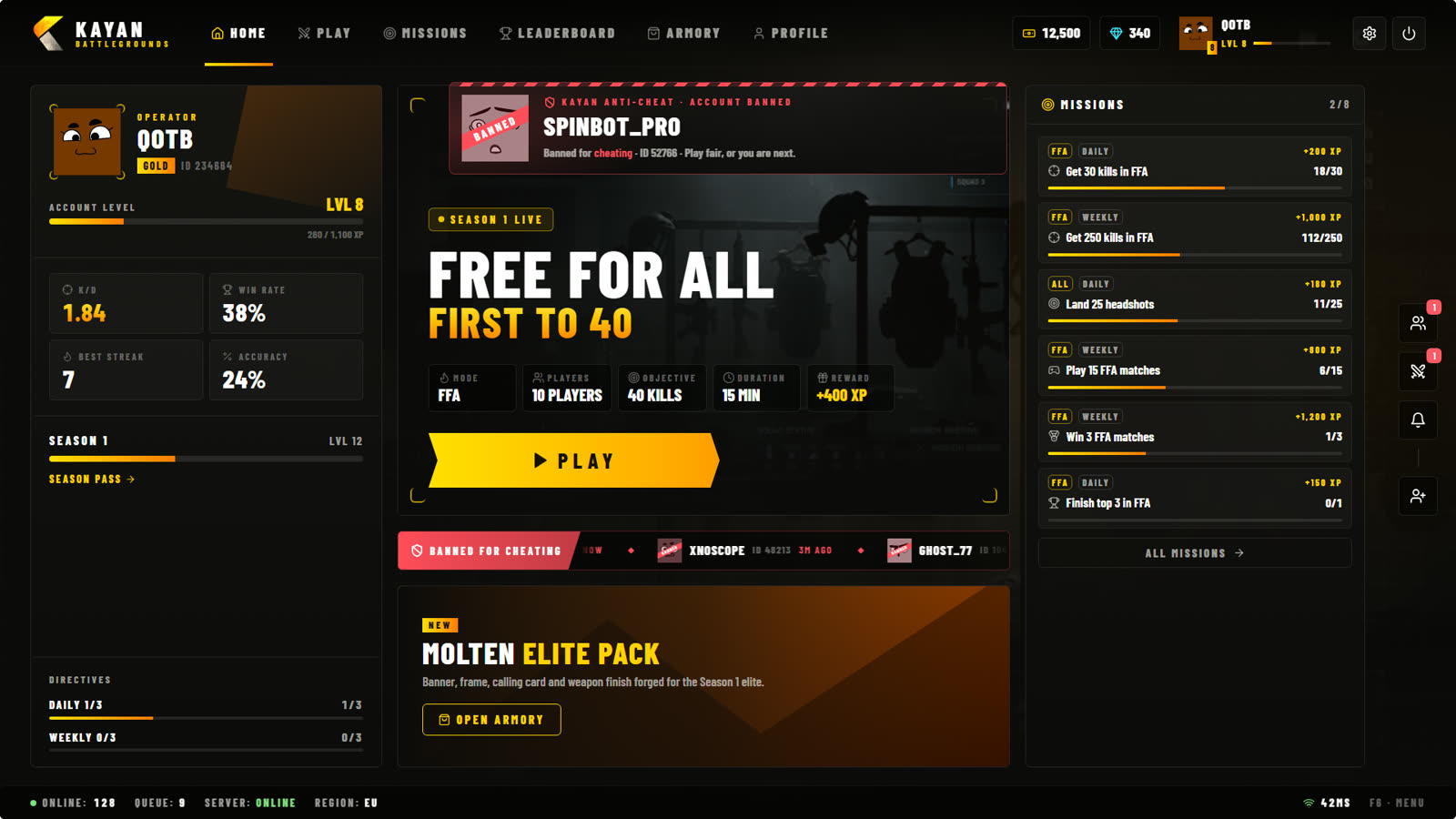
Hall of Shame
When a player is banned for cheating, a banner shows to everyone in the lobby and their name stays on the Banned for cheating ticker on Home until the ban ends.